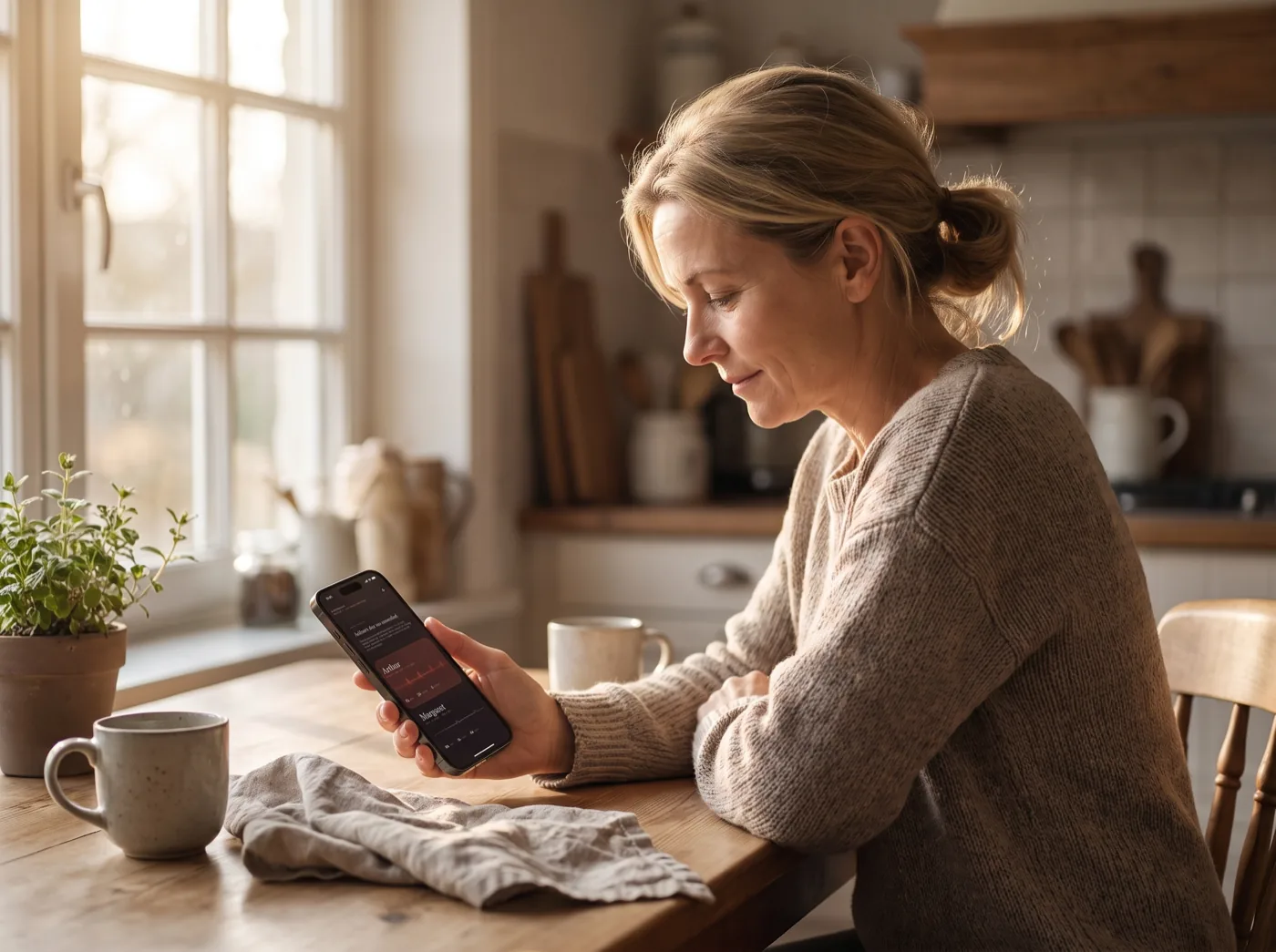
A woman checking on her mother at the kitchen table
New Now on iPhone, Apple Watch and Apple TV

Know they're
all right.

Without ringing to check. ElderGuardian watches your parent's Apple Watch and tells you — quietly when everything is fine, unmistakably when it isn't.

The problem

Ringing to check is not a monitoring system.

Most days nothing is wrong, so you stop calling. Then one day something is, and nobody knows for hours.

ElderGuardian closes that gap without turning your mother's living room into a hospital ward. She wears a watch. You get told.

How it works

It learns what normal is
for them, then watches it.

Their normal, not a textbook's

Resting heart rate variability differs enormously between healthy people, so a fixed threshold is useless. ElderGuardian learns your relative's own range from their own readings before it judges anything against it — and says so plainly while it's still learning.

Falls are watched from minute one

A fall or an extreme heart rate needs no baseline, so those alert from the first minute. Only the variability comparison waits.

One line, every morning

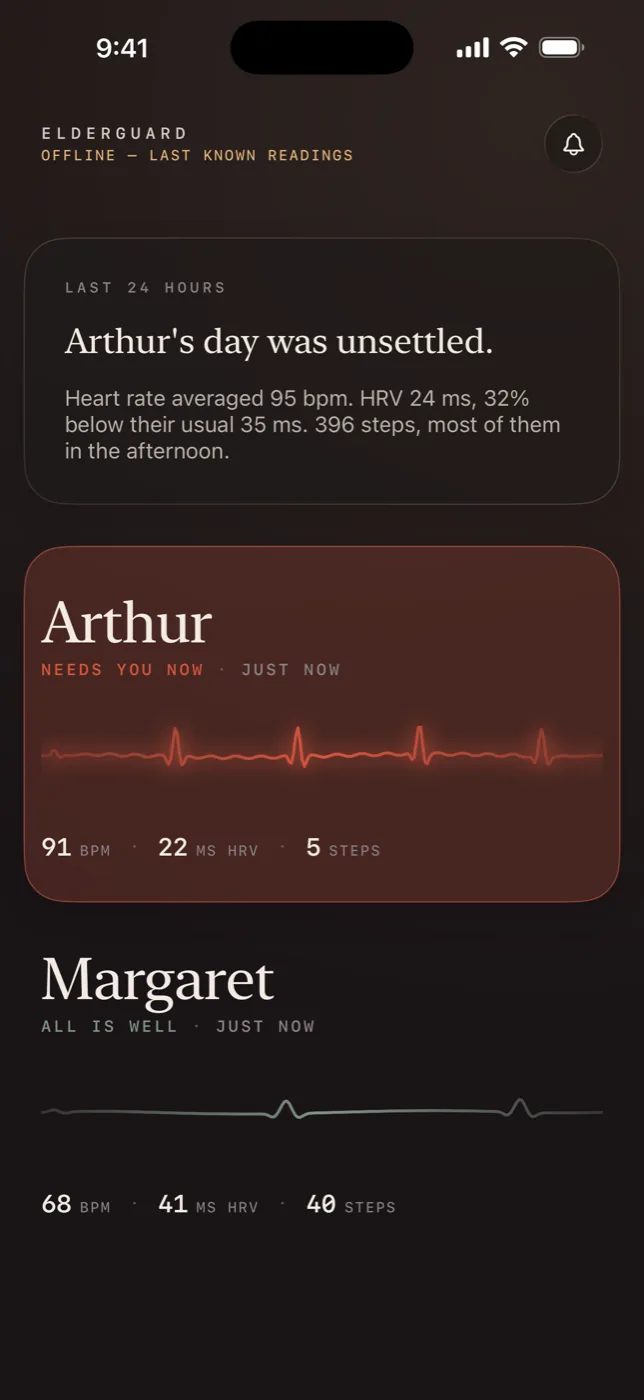
A plain-English summary of the last day, written on your phone by Apple's on-device model. No charts to interpret. Every figure in it is calculated by the app, not generated.

Silence counts as news

A watch on its charger looks exactly like a healthy one. If readings stop arriving, you're told that too, instead of being shown yesterday's numbers as though they were today's.

The apps

Calm on the good days.
Impossible to miss on the bad ones.

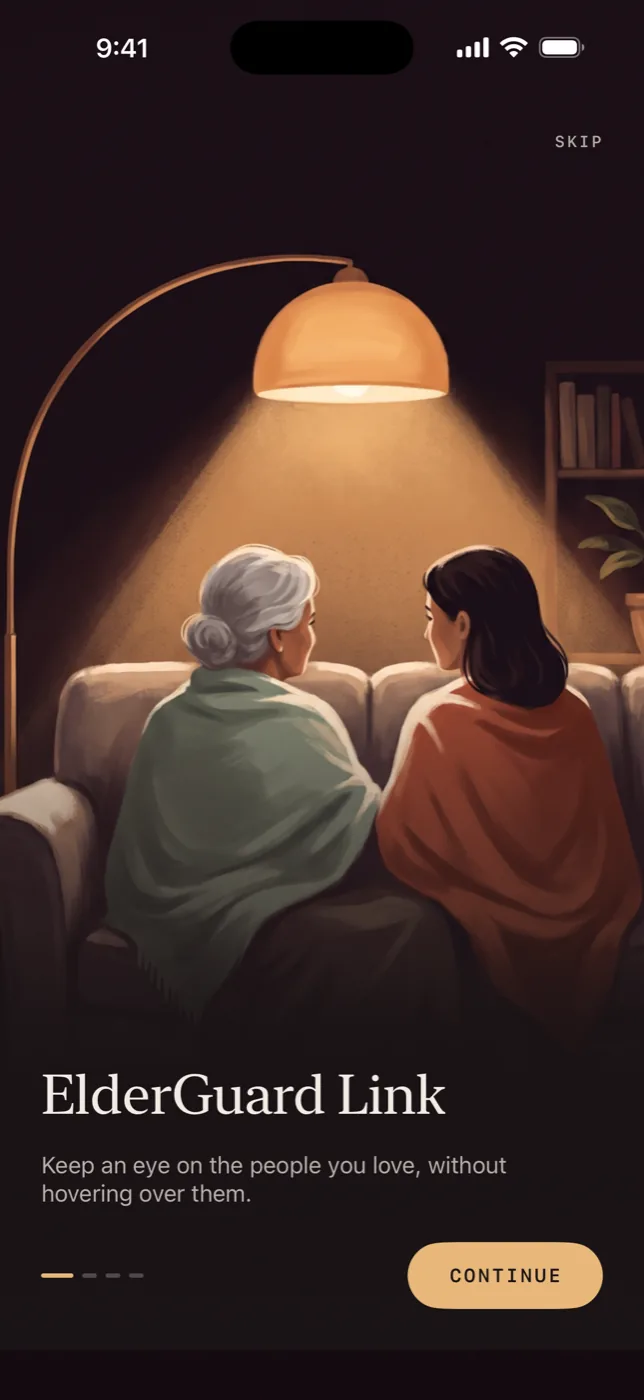
ElderGuardian welcome screen on iPhone
The family dashboard showing two relatives, one calm and one in an alert state
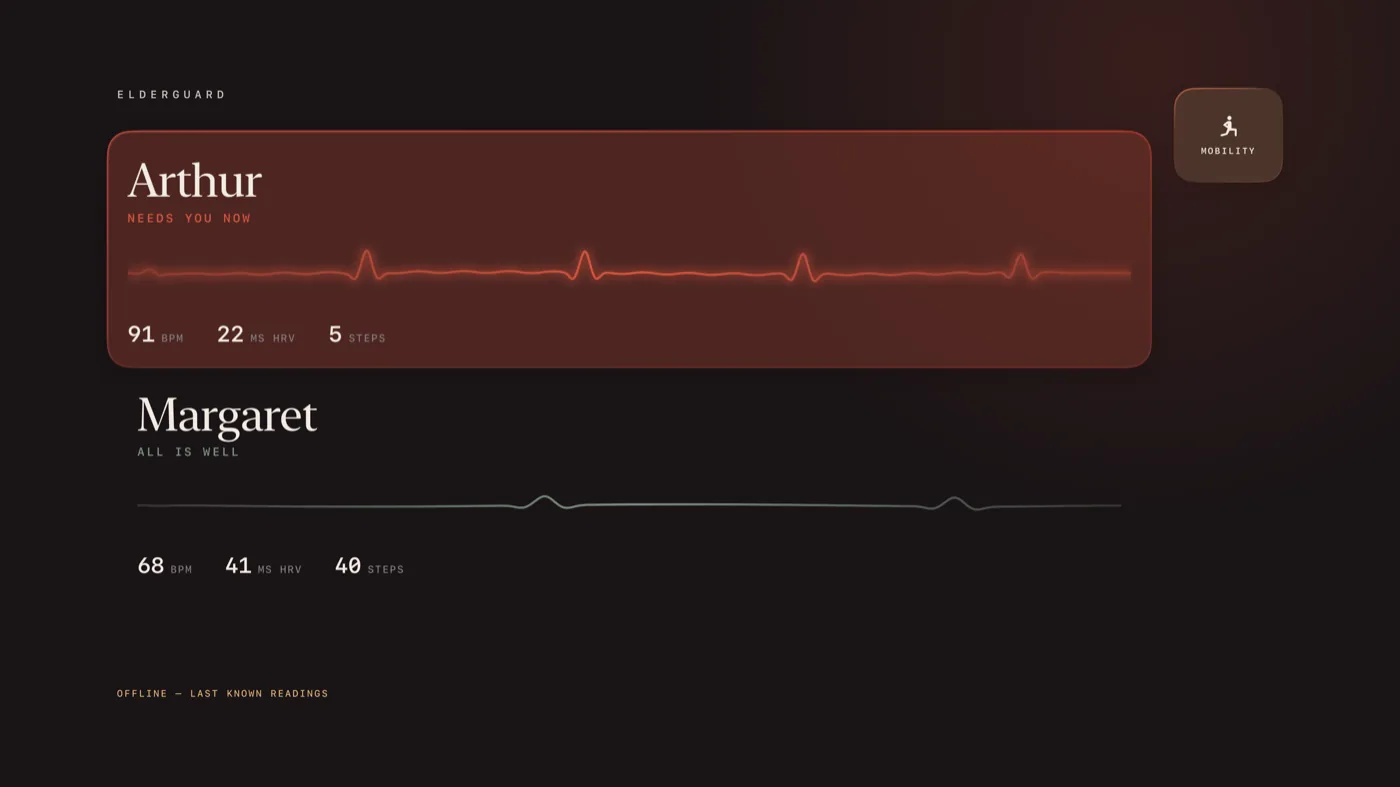
The Apple TV ambient display
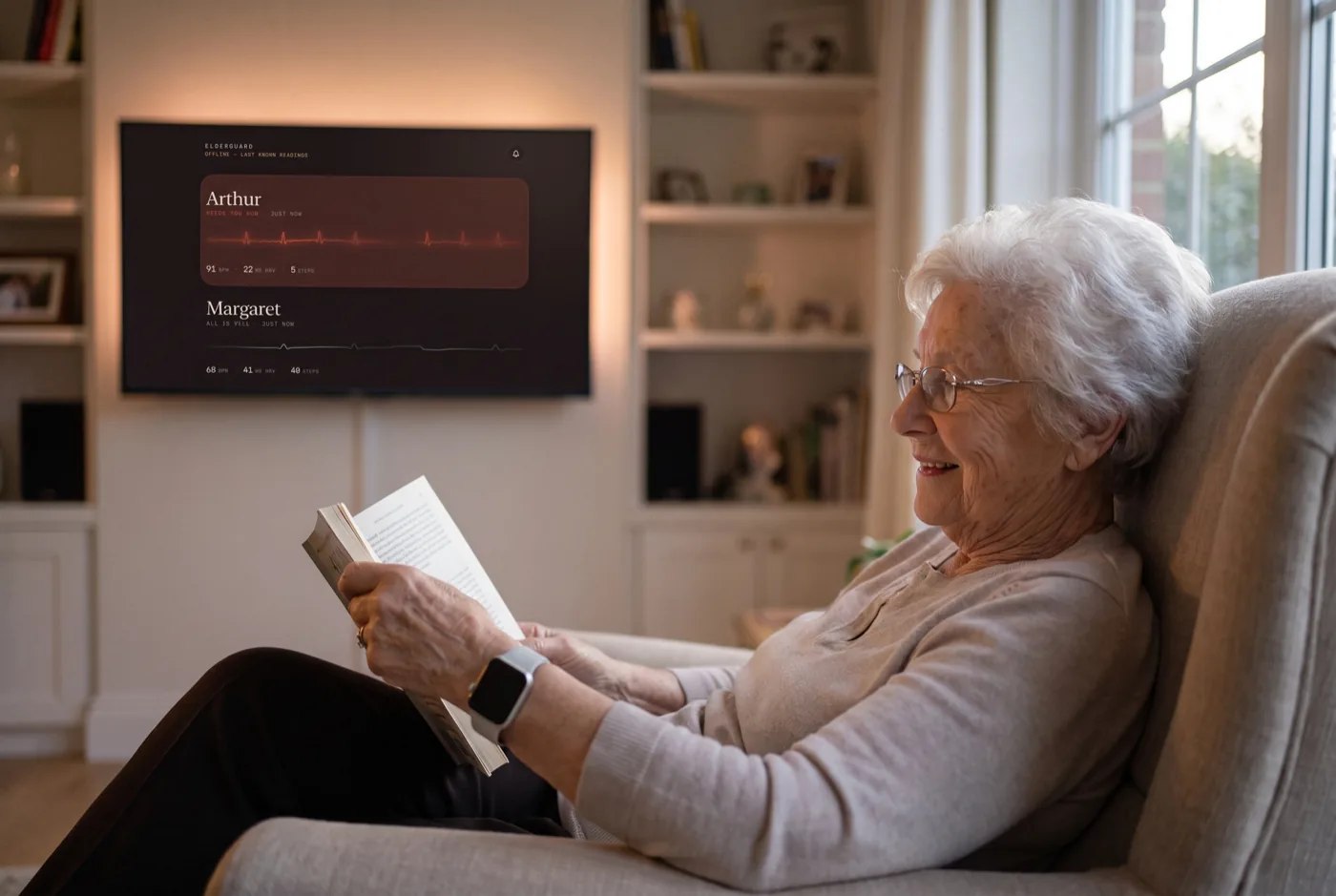
An older woman reading in her armchair, wearing an Apple Watch

For the person being looked after

Nothing to open. Nothing to remember.

They put the watch on in the morning. That's the whole of their side of it. No app to check, no button to press, no daily questionnaire.

Their screen shows their own heartbeat and nothing that would alarm them. Judgements are for the family, not for the person wearing it.

Questions

Reasonable things to ask

Who can see the readings?

Only the people your relative explicitly invites. The data lives in their own iCloud account and is shared read-only. We run no server and never receive it — we have no technical way to read any of it.

Is this a medical device?

No. ElderGuardian does not diagnose, treat or prevent anything, and it is not a substitute for emergency services. It reports measurements and tells you when they change. If someone needs help, call your local emergency number.

How long before it's useful?

Falls and extreme heart rates are watched immediately. The variability comparison needs about forty readings across at least a day to learn their normal range first — until then the app says "learning their normal" rather than claiming everything is fine.

Does the daily summary send my data to an AI company?

No. It is written on your own iPhone by Apple's on-device model. Nothing leaves the device to produce it, and every number in the summary is calculated arithmetically by the app rather than written by the model.

What if the watch is on the charger?

You get told. Readings stopping is treated as a finding in its own right, not as an absence of one.
Stop wondering.

Set it up once on their watch, invite yourself from their phone, and get on with your day.